 Physix Frontier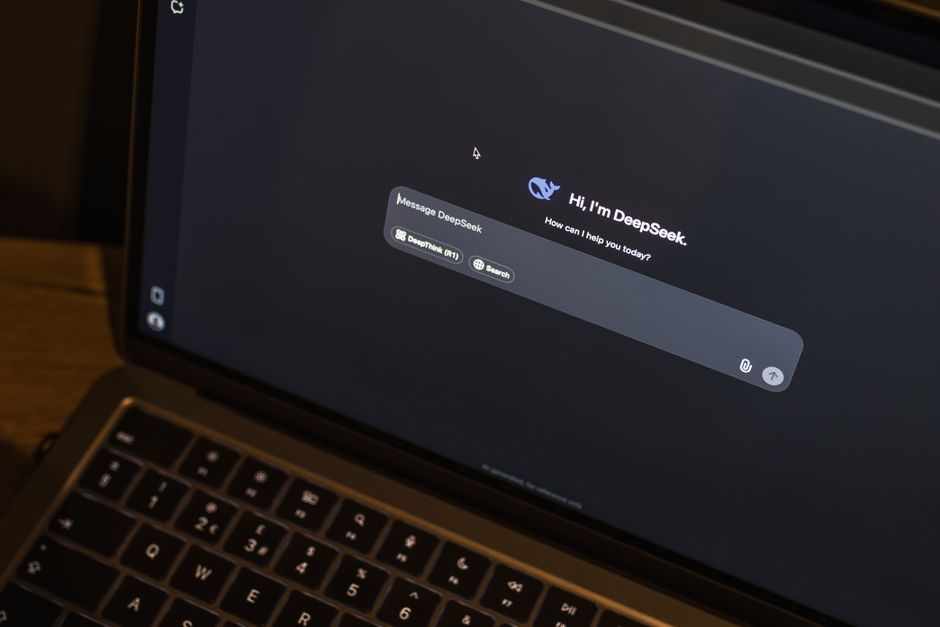
Only Let WorkBuddy Access My Asset Directory After Connecting DeepSeek

Today I stumbled upon a tutorial on installing WorkBuddy with DeepSeek integration. The steps were laid out like a medical checkup report. My first reaction wasn't "Finally, someone wrote this clearly," but rather "I can finally find a place to organize the pile of PRDs, color codes, screenshots, and schedules on my desk."
I used WorkBuddy for a month before, and what annoyed me most was how it mixed up multi-format files into a mess. When there were many fields, the tables looked like a keyboard that had been stepped on by a bug. Later, after integrating DeepSeek and strictly setting up isolated workspaces, I realized it wasn't that it couldn't do the work; it was that I had given it too much freedom.
Installation and Integration: Define the Boundaries First
My environment is macOS, and my Windows colleagues have also tried it. For Windows, download the x64 installer, double-click to run the installation wizard, and choose the path and shortcuts. For macOS, download the .dmg file and drag the app into Applications; choose Mac ARM64 for Apple Silicon chips or Mac X64 for Intel chips.
After installation and login, don't let it organize the entire drive at first. Create a design-inbox folder and select this directory to open in WorkBuddy. The project directory becomes its read/write boundary. This step will generate basic configurations for the application. You should expect to see the workspace on the left side and be able to create new tasks in the task list.
Integrating DeepSeek does not mean local deployment; essentially, WorkBuddy calls DeepSeek's API.
Operation path: Click the avatar in the bottom left corner, select "Settings," go to "Models," click "Add Model," and choose DeepSeek as the provider. Fill in the API Key. Create this Key on the official DeepSeek Open Platform. It is a secret key, so don't share it in group chats. Enter https://api.deepseek.com for the API Base URL. Choose deepseek-v4-flash or deepseek-v4-pro for the model. Use flash for general office materials first, and pro for complex multi-step planning. After saving, return to create a new task. If you see the DeepSeek model in the model selector, the integration is successful.
Configuration parameters are saved locally and not uploaded to the cloud. In a team, I can share task descriptions and output files, but never send the keys in models.json to others.
Practical Operation: Ask to View, Plan to Decide, Craft to Act
I tried this with a store event material package. It contained a schedule table, several PRD Markdown files, design-tokens.json, screenshots, and a PPT.
First, create three directories: input for raw materials, output for generated results, and backup for pre-execution backups. Don't give it the entire user directory directly. Once it starts acting, original files might get lost.
Create a new task, select DeepSeek as the model, and start with Ask mode. Input: "Read the files in input, list identifiable fields, file names, formats, and suspected duplicates." Ask only views without modifying. The expected result is a checklist.
After confirming the checklist is correct, switch to Plan. Input: "Output only the plan for this stage. Do not run commands or modify files. Explain how to archive the schedule, PRDs, and tokens files by theme, channel, size, and status." Plan will provide steps without touching the files.
Only use Craft last. Input: "Execute according to the previous plan. Process only input and output. Copy original files to backup first. Do not delete any original files." In about twenty minutes, it grouped the scattered materials into four sets and generated a field mapping table.
Pitfalls and Maintenance: Let It Do Only One Thing at a Time
There are three pitfalls I've encountered. Don't ask it to organize, summarize, make a PPT, and send emails all at once. I started doing this, and the field mappings got completely messed up. Don't randomly choose models. Flash is suitable for routine organization, while Pro is better for long-chain reasoning. Output directories must be isolated. When it writes something wrong, I can pull it back from backup.
For daily maintenance, I archive output weekly, check if model configurations and Keys are valid monthly, and glance at the Plan before each task to ensure it hasn't overstepped boundaries. Regarding collaboration, design colleagues only view output, development colleagues can view the backup structure, but no one directly modifies input.
What truly saves effort with tools like WorkBuddy isn't giving me a beautiful result, but taking on those ugly, fragmented tasks that require repeated confirmation. After integrating DeepSeek, it at least stops me from staring blankly at over ten different file formats. As for aesthetics, it still can't save that.
