 Physix Frontier
I Turned "Breaking Down Short Videos into Image-Text Tutorials" into a Codex Skill
I turned the process of "breaking down short videos into image-text tutorials" into a Codex Skill.
Even if you don't know how to write tutorials or capture key steps, you can organize content from Douyin (TikTok China) and Xiaohongshu (RED) into authentic, replicable image-text articles.
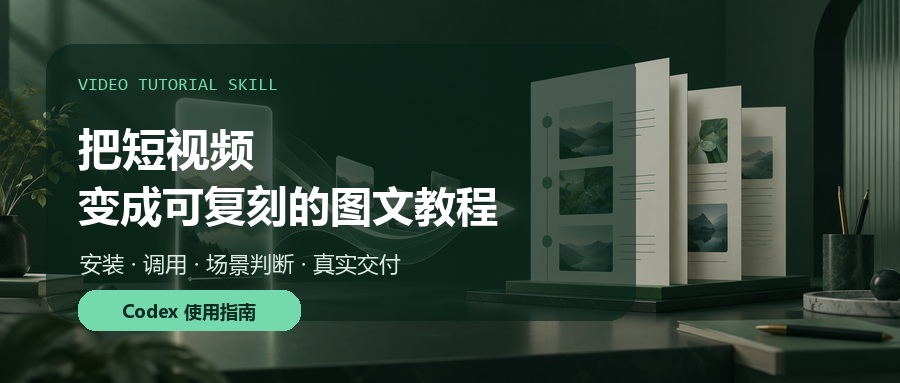
Figure 1: Video Tutorial Skill, transforming creator links into deliverable image-text tutorials.
When many people see a good AI video or tutorial, their first reaction is often: "Can I turn this into an article?"
But once you actually start doing it, problems arise immediately: What tools were used in the video? Which steps did the creator explicitly mention? Which parts are just our guesses based on the visuals? How do you choose screenshots, avoid subtitles, and copy prompts and parameters accurately?
If you throw all these questions at a standard AI, it easily produces an article that "looks complete but is unverifiable." Software, models, parameters, and even the creator's hidden workflows might be automatically filled in with hallucinations.
So, I organized my repeated workflow for breaking down videos into an open-source Skill installable in Codex: Video Tutorial Skill.
It doesn't just summarize the video; it turns "judging content—verifying evidence—recommending solutions—waiting for confirmation—creating the tutorial—evaluating replicability—delivering Word docs" into a stable process.
01|What Can This Skill Actually Do?
It targets Douyin, Xiaohongshu, and other short videos or creator pages, with one goal: To organize source content into Chinese image-text tutorials that beginners can follow step-by-step.
Upon receiving a link, it doesn't start writing immediately. Instead, it first categorizes the content:
Tutorial Type: Faithfully reproduces the operational sequence, inputs, buttons, parameters, and results shown in the video as much as possible.
Showcase Type: Analyzes character consistency, visual style, storyboards, camera language, motion, editing, and sound, then designs a feasible replication path.
Tool Disclosure Type: Prioritizes tools explicitly disclosed by the creator; for undisclosed parts, it only marks them as inferences or our proposed replication methods.
Insufficient Evidence: Clearly tells you what is missing (screen recordings, screenshots, or text) rather than filling gaps with guesses.
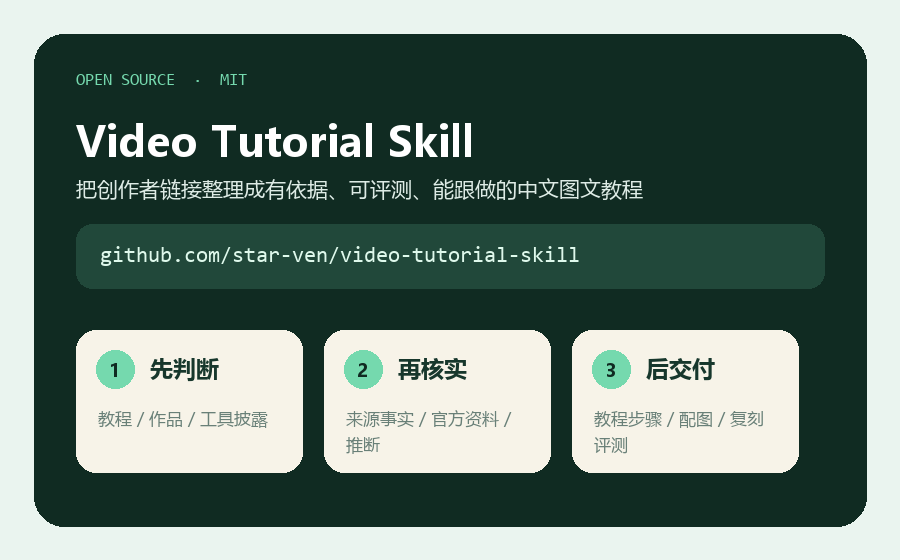
Figure 2: This is an MIT-licensed open-source Skill. The repository includes workflows, formatting standards, and validation scripts.
It also categorizes information in the article into four layers: facts from the source video, creator disclosures, current official documentation, and our replication proposals. This way, readers understand "what actually appeared in the video" and know "which steps were redesigned to replicate similar works."
02|How to Install? Recommended: Use Skill Installer First
According to OpenAI's official documentation, a Skill is essentially a directory containing SKILL.md, which can include reference materials, scripts, and resources. Codex can either explicitly call a Skill or automatically match it based on task descriptions.
The easiest installation method is to enter the following in Codex:
$skill-installer
Please install this Skill from https://github.com/star-ven/video-tutorial-skill.
If you want team members in a project to share it, you can clone the repository into the project's .agents/skills/video-tutorial-skill directory:
git clone https://github.com/star-ven/video-tutorial-skill.git \
.agents/skills/video-tutorial-skill
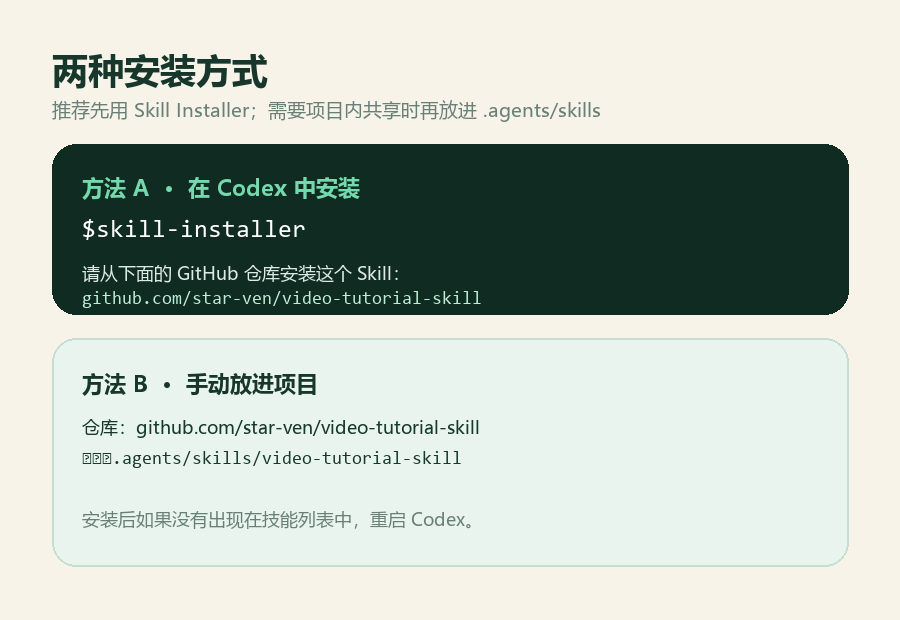
Figure 3: For personal use, Skill Installer is recommended; for project sharing, place it in .agents/skills.
If it doesn't appear in the skill list immediately after installation, restart Codex. You can also type $ to search for installed Skills, or run /skills in the Codex CLI or IDE extension to view them.
Note: This project is an independent open-source workflow Skill, not an official built-in Skill released by OpenAI; however, it uses the Skill mechanism officially supported by Codex.
03|How to Use It for the First Time? Just Copy This Prompt
Explicit invocation is the most stable. Create a new task and send the creator's link along with the following prompt to Codex:
$video-tutorial-skill
This is a Douyin / Xiaohongshu creator link.
Please first determine if it is a tutorial, showcase, or tool disclosure,
and recommend a replication path, breakdown focus, length, and image plan.
After I confirm, create an image-text tutorial Word document that beginners can follow.